
Note that https://scratch.divizend.ai is an instance only accessible to people with a @divizend.com email. You can only send auth emails with JWT tokens to email addresses which use one of the domains of the connected Google Workspace.
.env.example and make all choices, add keys etc. as indicated there. See below for the instructions on how to set up Google Workspace.Scratch is the visual programming language with which I also learnt programming when I was around 10. When you go to https://scratch.divizend.ai/admin (or click on "Admin interface"), first send an access token to your email. It'll look like this:

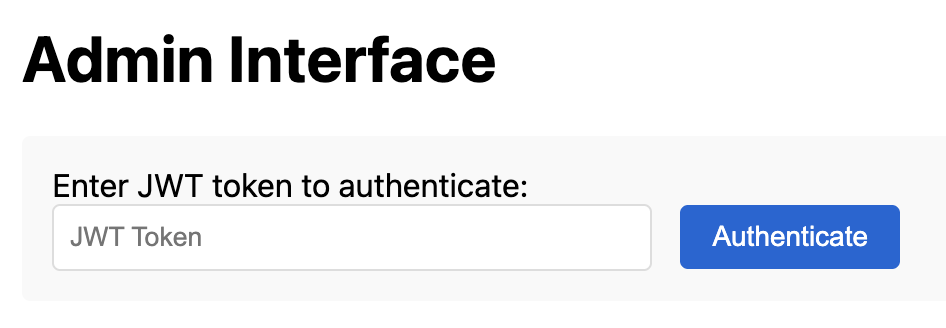
Then copy the string into the first field and authenticate:
The admin interface should then look like this:
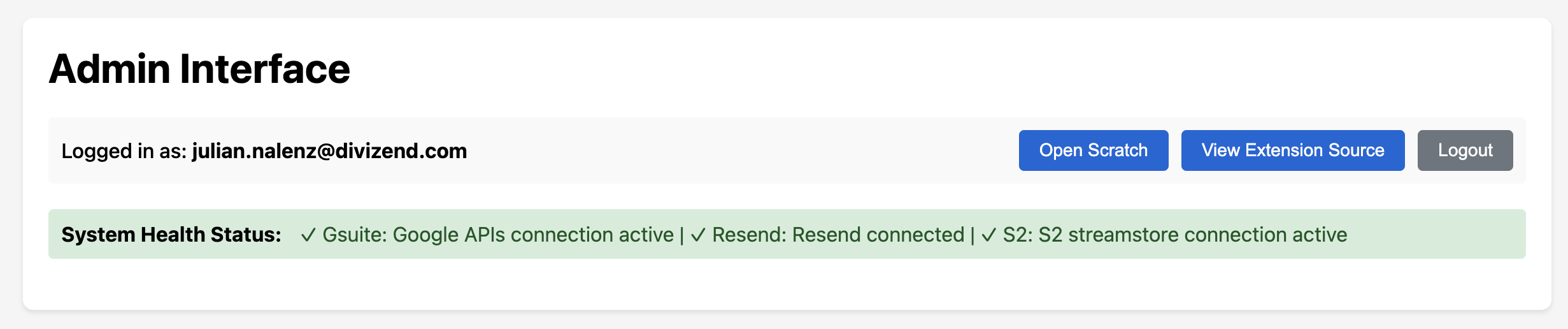
From here you can click on "Open Scratch", which will open a new tab. In there, on the bottom left, you should find a new "Divizend" tab (resp. a name based on the "ORG_NAME" environment variable):
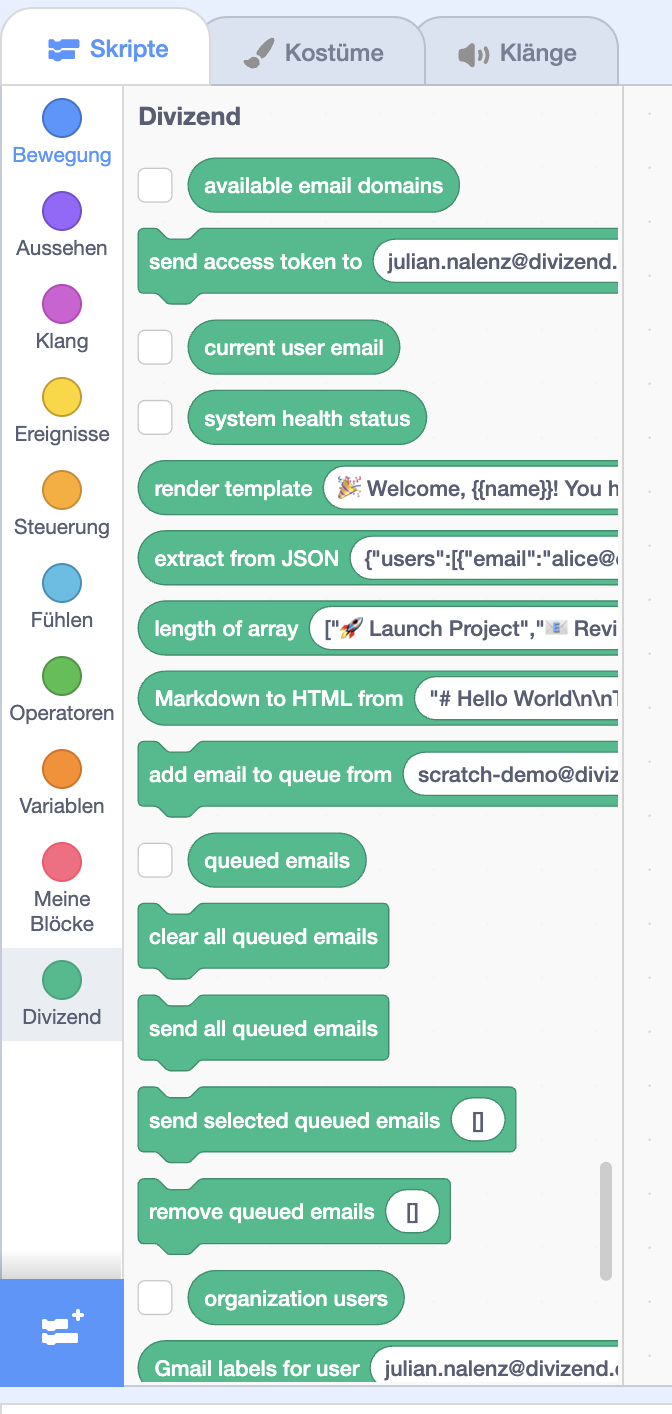
Of course the actual point of this all is not Scratch itself, but to harmonize the systems we're interacting with through their APIs. Therefore the background of the Scratch layer on the surface is this repo (every block is actually just an API call). We want to make the APIs of the systems that constitute any organization feel as simple as possible, in a language "as simple as child's play", i.e. Scratch blocks. My next experiment will be to transfer all business logic into communication on streams, to embrace the event-driven paradigm more and increase reliability and efficiency of the system, so let me know in case you'd like to participate in the more technical details here.
This means that the goal is a conscious simplification, always with an API-first focus on the inside. Scratch should always be a "playground" for all your automation needs, but any blocks can be added in "regular" code quickly, and therefore be rolled out to everyone. Adding blocks simply happens here in the GitHub repo, and should, over time, become a frequent process until all of the world's operations are cleanly covered. So in case you see yourself frequently reuse functionality, please let me know.
Therefore, please save your projects and reload the Scratch editor page from time to time, to always be up to date with the newest features. The URL passed to the Scratch editor UI from your instance stays the same across any updates.
cp .env.example .env.env. Follow the instructions below to set up the integration with Google Workspace.bun installbun run devsrc/server/endpoints.ts).Permissions for organization "divizend.com" and the URL should contain something like &organizationId=475226626272)Organization Policy Administrator.iam.disableServiceAccountKeyCreation..env (email comes from the key client_email and private key from private_key in the JSON, then also add the email address of the workspace's admin user):GCP_CLIENT_EMAIL_DIVIZEND=ai-commander@api-project-123456789.iam.gserviceaccount.com
GCP_PRIVATE_KEY_DIVIZEND="-----BEGIN PRIVATE KEY-----\nMIIEvQI...uHwU+Ag==\n-----END PRIVATE KEY-----\n"
GCP_ADMIN_USER_DIVIZEND=your.name@divizend.com
102840656400393431115)src/gsuite/core/GSuite.ts.